What's new
What we shipped, newest first
Release notes for the trading terminal and the staff CRM, dated and written for brokers. Your team reads the same notes inside the CRM.
Optional rules
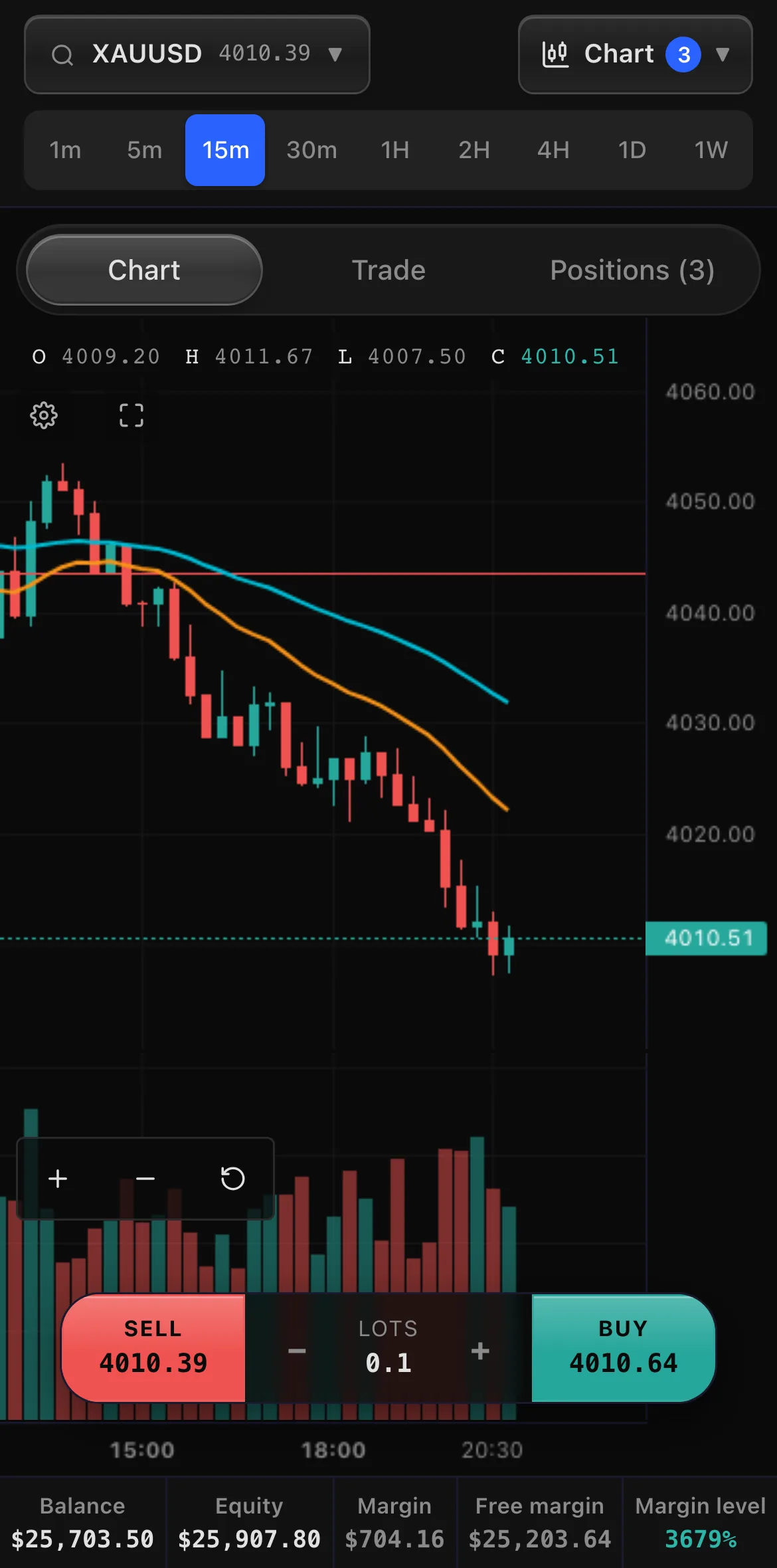
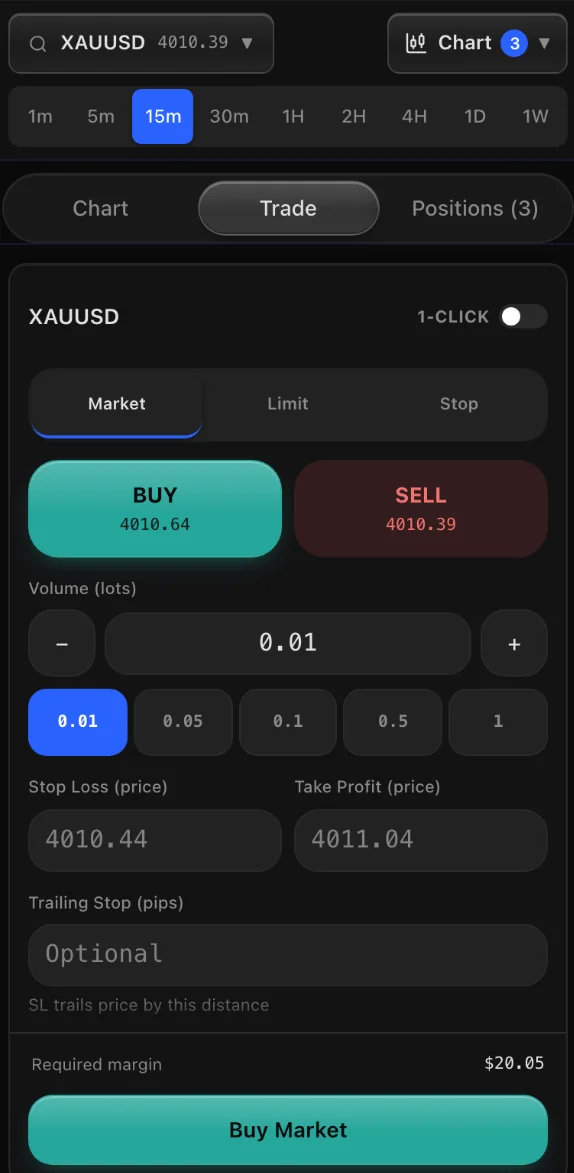
Sample brand, sample settings and sample market data. Each tab is a change from the release notes, with the day it shipped.
Your team reads the same notes in the CRM, each person for their role.
What's new sits in the CRM's side menu, with a dot when there is something new. Admins read every change; everyone else reads the shared notes plus the ones for their own work.
The picture below is the What's new page in a sample broker's staff CRM, showing the newest release notes from this page. It steps through the staff roles, and the notes a role does not read fold away.
Sample brand. The notes are the real ones listed on this page.
- 12versions shipped
- 52new features
- 25improvements
- 19days, first to latest
A chart of the last 10 release days, from 29 Sep 2026 to 17 Oct 2026: 77 changes in all, the most on 7 Oct 2026 with 18. Every change is listed below, newest first.
- Trading platform
Price alerts: traders set a price on any instrument in the new Alerts tab and get a notification on their phone and in the platform when the price gets there. Up to 20 alerts can wait at once, and each one can be switched off under Account, Settings.
- Trading platform
Partial close: traders can close part of an open position from its Modify window (Close part), for example 0.30 of 1.00 lots. The rest stays open with its Stop Loss and Take Profit, and the closed part shows in history on its own line, numbered after the position. When the trader is copied, every follower closes the same share. Trades sent to Cover can only be closed in full for now.
3 more new features2 more new features1 more new feature
- Trading platform
Favourite instruments: traders tap the star next to any instrument in the symbol search or the watchlist to add it to their favourites. Favourites show at the top of the search and the watchlist, on every device the trader signs in on.
- CRM
Trades now show each client's stop loss and take profit (S/L and T/P): on the Trades page and its export, on a client's Trades tab, on an agent's open positions report and on a trading account's positions, where they now show on phones too. Pending orders show theirs as well. A dash means none is set.
- Trading platform
Traders can now change a pending order instead of cancelling it and placing it again: Modify on the order (the pencil on a phone) moves its price and sets its Stop Loss, Take Profit or trailing stop. The new price must still be waiting for the market, a Buy Limit below the current price for example, and an order that filled a moment earlier is not changed.
4 improvements3 improvements1 improvement
- Trading platformA clearer notice when a trade opens: a larger card shows Buy or Sell, the size, the instrument and the price for six seconds.
- Trading platformOn a phone, the sign-in page now shows a Get the app bar with the app icon and an Install button.
- Trading platformOne-click trading stays off until the trader turns it on and accepts a short risk notice with a tick box.
- CRMA client's personal details (name, email, phone numbers and country) can now be changed only by an admin or a manager, on the client page and on the client's lead.
- Trading platform
- CRM
Manager approvals: an admin can let Managers approve or reject KYC documents and client deposits (Settings, Team, Manager approvals). It is off until an admin switches it on. Withdrawals, transfers and recording a deposit by hand stay with admins.
- CRM
Approvals for Sales Managers: an admin can now also let Sales Managers approve or reject KYC documents and client deposits (Settings, Team, Who can approve KYC and deposits). They get an Approvals page listing every client's waiting deposits and KYC documents, oldest first. Everywhere else they still see only the sales team's clients, and withdrawals and transfers stay with admins.
1 more new feature1 more new feature1 more new feature
- Both
New services: we can design and build your brokerage's public website on your own brand and your own domain, from $1,500 paid once, and moving another brokerage onto the platform is free, open trades and history included. Ask us for details.
- CRM
- CRM
Leads: admins and managers can send many leads to retention at once. Tick the leads, pick a retention agent (or Ready for retention to choose later) and press Send to retention. Each lead is marked Converted, and a website sign-up's client account goes with its lead. Retention agents still never take sales leads themselves.
- CRM
- Trading platform
More trading alerts: every trade a copied strategy or a bot opens or closes for the trader (one alert for a whole grid take profit), the strongest trading signals three times a day and a daily market update. Traders choose which alerts they want, one switch each, in Account, Settings.
- Trading platform
Android app: when a newer version of the app is out, it says so with an Update button that downloads it. Later hides the message until the app is next opened.
5 more new features2 more new features3 more new features
- Trading platform
Trading alerts on the phone and the computer: traders can get an alert when a stop loss, take profit or stop out closes a trade, on a margin call, when a deposit arrives or a withdrawal is sent, and for document checks, bonuses and challenge updates. They are asked once after signing in and can switch alerts off in Account, Settings. Works in the Android app and in Chrome.
- CRM
Payment details: set your own minimum deposit and minimum withdrawal, then press Save minimums. Clients cannot ask to deposit or withdraw less, and they see the minimum on the screen. Leave a box blank for no minimum. Opening an account and trading are never limited by these, and amounts your team enters by hand are not limited either.
- CRM
Payment details: you can now list several crypto deposit addresses, one for each coin and network you accept (for example USDT on TRC-20, USDT on ERC-20 and BTC), each with its own QR code. Add or remove them under Crypto.
- Trading platform
Crypto deposits: when you accept more than one coin or network, clients choose which one they pay with and see that address, its QR code and a copy button. The deposit list shows which address each crypto deposit was paid to, so it is easy to match the payment. Challenge payments by crypto work the same way.
- CRM
Settings, Risk: set your own margin call and stop out levels. Below the margin call level a client gets a warning email and appears on the Margin call list; at the stop out level their positions are closed automatically, biggest loss first. Leave them empty to keep the usual 100% and 50%. The client's terminal, emails and the AI assistants use your levels.
3 improvements3 improvements0 improvements
- Trading platformOn phones the AI now has its own tab next to Chart, Trade and Positions.
- Trading platformAndroid app: opens straight on the trading platform with your logo, shows a No connection page with Try again when the phone is offline, and the Back button goes back a page instead of closing the app.
- Trading platformDeposit and withdrawal screens show your minimum deposit and minimum withdrawal, hide quick amounts below the minimum, and explain plainly when an amount is too small.
- Trading platform
- CRM
Help videos: a short video for every part of your back office, from leads and clients to deposits, settings and the screens your traders use. Open Help videos in the menu, or press How this page works at the top of any page to watch the video for that page. Each person sees the videos for the pages they can open.
- Trading platform
Clients can now copy another client. Once you approve a strategy a client publishes, other clients can follow it from the Copy page, and the trades the publisher opens on their real accounts are copied to every follower in proportion to the amount they put in, then closed when the publisher closes them. Demo trades are never copied.
5 improvements2 improvements3 improvements
- CRMMoving clients from another platform: every account that moves gets a new account number on this platform, and its old login is kept, so the preview shows both and running the same file again still finds it.
- CRMMoving open trades from another platform.
- Trading platformCopying another client happens at once: a follower's copy opens, closes, and moves its stop loss and take profit the moment the trader does.
- Trading platformA client's published strategy now shows its real return and win rate on its card, the same figures as its trade history, and its record counts only trades made on real accounts.
- CRMCopy Strategies: a client's strategy is made of the client's own trades, so it has no Open position or Close buttons.
- CRM
- CRM
Migration, switch-over day: tick "Update balances of accounts already imported" to bring the old platform's final balances across. It only touches accounts nobody has used here yet, and shows every change before you press the button.
- CRM
Migration, welcome emails: a third step emails every migrated client that their account has moved, with their account number and a button to set a password. Each client gets it once.
3 improvements0 improvements3 improvements
- CRMMoving clients from another platform: the migration page now takes any platform's export, not only MetaTrader.
- CRMMigration, trades: symbols written another way on the old platform (EURUSD.r, GOLD, USTEC) are matched to ours automatically.
- CRMMigration: a KYC column in the clients file brings verified clients across as verified, so they are not asked for their documents again.
- CRM
- CRM
Activity log: a new page for admins that shows who did what in the CRM, newest first. Filter by person, by kind of action (leads, clients, money, trading, team, settings) and by date, or search for a name. It also records every export of leads or clients.
- CRM
Settings, Team: Delete removes a login that was never used. Someone with history is deactivated instead, so their work stays on record, and you can hand their leads and clients to another person in the same step. Deactivated people are hidden from the list until you choose to show them.
10 more new features0 more new features10 more new features
- CRM
Admins can close one open trade at the live price: from Trades with Adjust, from the client's Trades tab, or from the account page. The client sees it as closed by the broker.
- CRM
Account Tiers: each tier has its own Commission switch and rate per lot. Switch it off and that tier's clients pay only the spread. Next to the rate, a table shows what one trade pays at 0.01, 0.1, 1, 10, 50 and 100 lots, so the cost of big trades is clear. Tiers you already have keep their commission until you change it. A separate setting covers accounts without a tier, such as demo accounts and accounts your team opened without choosing one.
- CRM
Lists show page numbers and a Go to page box: type a page number and press Enter to jump straight to it.
- CRM
Account Tiers: set how many live accounts each client can open themselves. Leave it empty for no limit. Demo accounts, prop challenges and closed accounts do not count, and your team can still open more from the CRM.
- CRM
Admins can remove a client's account from its account page. An account that never had money or trades is deleted for good. One with history is closed instead: the client no longer sees it and its history stays in the CRM. Open trades must be closed and the balance must be zero first.
- CRM
Leads show the date and time each lead was given to its owner. Leads assigned before today show the day they were added.
- CRM
Leads have a date filter: find leads assigned, follow-ups due, or leads added on one day or between two days.
- CRM
New notifications tell you how many new leads were assigned to you, when leads are given to you on retention, and when a client is moved to you.
- CRM
New notifications when a sale is ready for retention and when a client moves money between their wallet and a trading account.
- CRM
Settings, Notifications: switch each kind of notification on or off for each role, or for one person.
6 improvements0 improvements6 improvements
- CRMA lead's recent changes now also show who added or uploaded it, who assigned it and to whom, when a callback time was set or removed, and who asked a manager to approve something.
- CRMWhen you assign leads, the list shows only the people who can take them.
- CRMFollow Up and Callback can be saved without a date and time.
- CRMFollow-up and callback reminders now open bigger, in the middle of the screen, and stay until you press Open or Close.
- CRMNew notification pop-ups are bigger and easier to spot.
- CRMEach person now gets notifications only about their own work: an agent hears about their own leads and clients, never anyone else's.
- CRM
- CRM
Prop firm challenges have five optional rules you can switch on for each challenge: a best day limit (no single day can be more than a set share of the profit before a pass or a payout), a maximum lot size per trade, no new trades a few minutes either side of high-impact news, closing all trades before the weekend, and refunding the fee with the trader's first payout.
- Trading platform
On the Challenges page traders see each challenge's extra rules before they buy and their best day against the limit while they trade. An order that breaks a rule is refused with a plain reason, and a refunded fee shows as its own line in the wallet history.
1 more new feature1 more new feature0 more new features
- Trading platform
Traders who pass a challenge or get funded can download a certificate with your brand on it to share.
- CRM
- CRM
The CRM has a light theme. Press the sun at the top of any page to switch to light, and the moon to switch back. Each person's choice is remembered on their own computer, and the trading platform keeps its own theme.
- Both
Each account tier can now offer its own instruments. In Settings, Account Tiers, choose Instruments, then tick whole categories such as Forex, Metals or Crypto, or open a category to switch single instruments on or off. Clients on that tier see and trade only those; demo accounts are not limited, and a client given their own instrument list on their page keeps it. Open positions are never closed by a change. This is part of Instrument control.
11 more new features7 more new features7 more new features
- Both
When a trader publishes their own copy strategy, it now waits for your approval before other traders can see it. Copy Strategies lists the ones waiting at the top, with Approve and Reject. A rejection needs a short reason, which the trader sees on their strategy. If they change the name, stage name or description, it comes back for approval.
- Both
Signals can be switched off for a single client from the client's page. The client keeps the Signals menu, with a note that signals are not enabled on their account. Signals stay on for every client until you switch them off.
- Trading platform
Traders can edit a bot instead of deleting it and starting again: press Edit on the bot. Size, stops, timeframe, the number of trades and the strategy settings can change at any time and apply to its next trades. The symbol, strategy and direction can change once the bot has no open trades.
- CRM
Copy strategies you run can now be edited in place from Copy Strategies with the Edit button: name, trader name, description, risk level, minimum investment and the automatic settings. The mode and the symbol can change once the strategy has no open positions.
- CRM
Admins can move money from a client's wallet into one of their live trading accounts: open the client, then Manage, then Wallet to account. It works like the client's own Fund button: instant, never more than the wallet holds, and never onto a demo account. It is logged with your name and shows in Transfers. Withdrawals are not changed.
- Both
Traders can turn on two-step sign-in with an authenticator app, and see their recent sign-ins, in Settings. Once it is on, a password alone no longer opens their account. This includes the read-only investor password and a password seen in the CRM. If a trader loses their phone and their backup codes, an admin can turn it off from the Login credentials panel on the client's page, after writing down how they checked it is really them.
- Trading platform
Eight new trader layouts: Desk, Soft, Mono, Card, Neon, Console, Focus and Classic. Each changes how the terminal, every page and the sign-in look, on computers and phones.
- Trading platform
Prospects on a demo can switch between all the trader layouts themselves to try them, from Platform layout in the trading platform: a Layout chip in the top bar, a Layout button in the side menu, or the last row of the phone menu. Each layout opens straight away in its own colours, and the one they pick stays with their demo on every device.
- Trading platform
The first time a trader opens an AI feature on the trading platform, a short notice explains that the AI can be wrong and is not investment advice. The trader ticks a box and presses Continue before the AI answers, once, on every device.
- CRM
Each client's page shows whether they accepted the AI notice, when, and from which IP address and browser, with the exact wording they agreed to. Admins can download every acceptance as a spreadsheet from Settings, Team. Nobody can change the records, and a client's record is removed only if you permanently delete that client.
- CRM
The first time a member of your team uses an AI tool in the CRM (the AI Briefing, Ask AI, a client brief or an AI call summary), a short notice explains that the AI can be wrong and that your company stays responsible for how its answers are used. They tick a box and press Continue, once. Admins can see who on the team has accepted, and when, in Settings, Team, and download it as a spreadsheet.
3 improvements0 improvements3 improvements
- CRMWhat's new now shows each person the updates for their role.
- CRMKYC documents and payment proofs now open in a viewer inside the CRM with Zoom in, Zoom out, Fit and Rotate.
- CRMTraders who sign up on your website now arrive in Leads as New and Unassigned, instead of Converted and handed to an agent automatically.
- CRM
- CRM
Admins can close all open positions on a client's account from the client page, at the current market price. The client sees them as closed by the broker, and the close is recorded in the client's activity.
- CRM
Move a client's account to another of your account tiers from the client page. The new tier's spreads apply straight away.
2 more new features0 more new features2 more new features
- CRM
Staff get an alert when a client's account falls into margin call, and when positions are closed by stop out, so someone can call the client in time.
- CRM
A client's manager gets an alert when the client signs in to the trading platform, with the IP address, city and device, so they can call while the client is online.
1 improvement0 improvements1 improvement
- CRMTime-limited demo logins show how many days are left at the top of every page.
- CRM
See the whole platform. Free for 14 days.
Get demo logins for the CRM and the trading terminal, or book a live walkthrough with our team.