Staff CRM
A forex CRM built around how a brokerage desk works
Generic sales software knows nothing of equity or margin levels, and cannot link the call your agent just made to the deposit that followed. This CRM was written alongside the trading platform it manages, so the client record and the trading record are the same record.
Sample Lead A
Statuses you name yourself
- Lead from your website formAssigned to Sales
- Call loggedInterested, demo booked
- KYC approvedID and proof of address checked
- First deposit approvedMoved to the retention desk
Sample market data, sample clients and sample brands. "Your Brand" stands for your own name and logo.
Forex CRM, back office and client portal: what each one does
Brokers use three words for the software behind the terminal, and vendors often sell them as three products. The forex CRM is where sales and retention work: leads, calls, follow ups and the client relationship. The back office is where operations work: deposit and withdrawal approvals, identity review, bonuses, partner commissions, reports and the audit trail. The client portal, sometimes called the trader's room, is what clients use to fund their wallet, open accounts, upload documents and withdraw.
Here all three are one system over one database, built alongside the trading terminal. Clients use the portal inside the terminal, and your staff use the CRM, so no nightly sync or integration has to keep them in step. The broker back office is covered in detail on a page of its own.
Read moreShow less: Forex CRM, back office and client portal: what each one does
On your platform
How it fits the rest of the platform
One deployment on your brand, domain and database: the terminal your clients trade on, and the CRM your team runs.
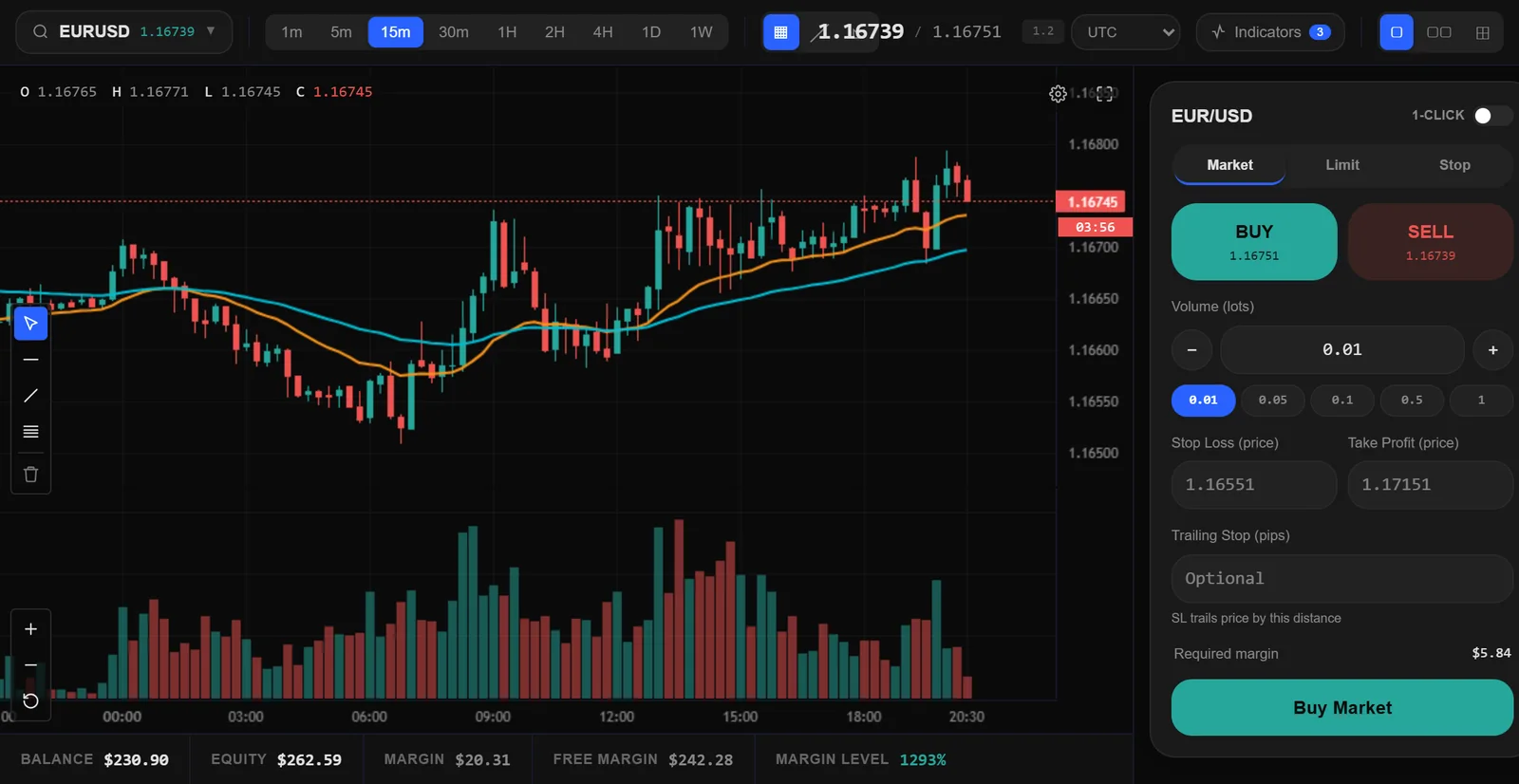
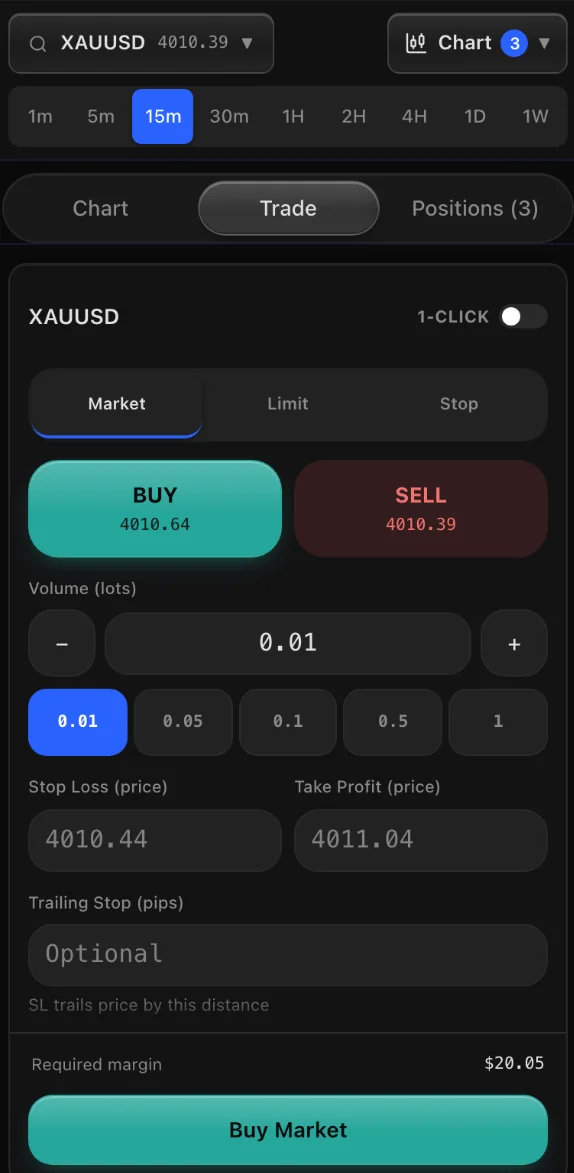
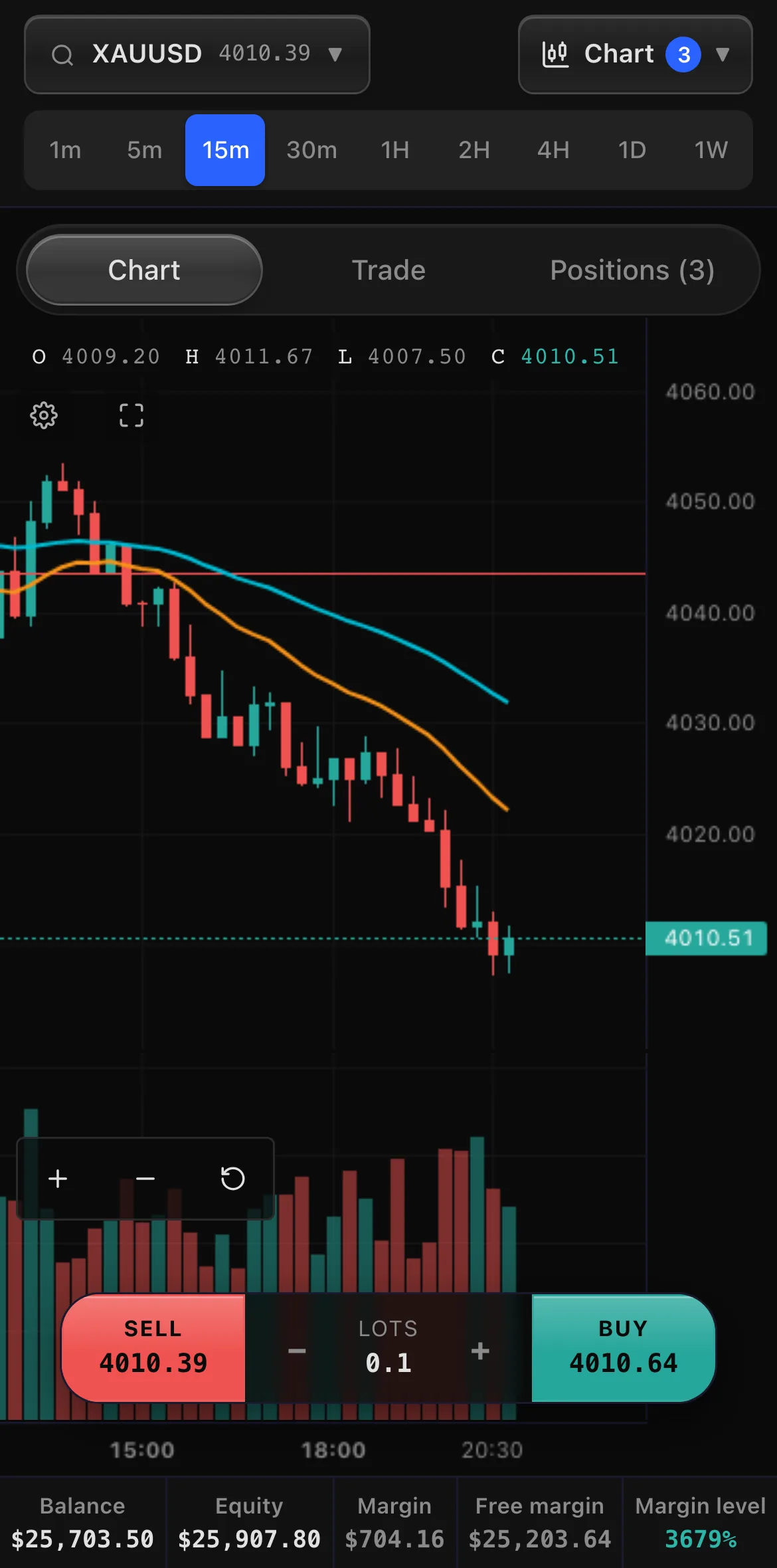
Sample market data, sample clients and sample brands. "Your Brand" stands for your own name and logo.
Why a broker CRM, not a general purpose CRM
A general sales CRM tracks a deal until it closes.
Read moreShow less: Why a broker CRM, not a general purpose CRM
In a brokerage the close is only the start: the client funds an account, trades, deposits again, withdraws and, if nobody looks after them, leaves. The numbers that matter to an agent, such as equity, margin level, open positions and the last deposit, live in the trading platform, which a general CRM cannot see.
Bolting one onto a trading platform means an integration that copies data back and forth, and the copy is always a little out of date. A forex CRM built with its platform reads the live account, so the agent on the phone sees what the client sees.
The leads pipeline
Leads arrive from imports, from partners and from your own website, and each one carries its source and its campaign label so marketing spend can be judged on closed business.
Read moreShow less: The leads pipeline
Sub sources are free text, which means a new campaign can be tracked the day it launches without waiting on a schema change.
Leads are assigned to agents, moved through statuses and measured through a conversion funnel. Demo requests submitted on your marketing site land in the same pipeline automatically, already attributed.
The client record
Opening a client shows everything in one place: their trading accounts and balances, their wallet, their deposits and withdrawals, their open and closed trades, their verification documents, every call your team has logged, every note, and a timeline of what has happened on the account.
Read moreShow less: The client record
Because the CRM and the trading platform share a database, the numbers are the live ones. An agent looking at a client during a call sees the same equity the client sees in the terminal at that moment.
- Call logging
Every call is recorded with an outcome and notes, with daily call activity visible per agent and a follow up queue that keeps moving.
- Identity verification
Document submission and review with approval states that gate withdrawals until the client is verified.
- Sales to retention handoff
A converted client stays visible to the closing sales agent until verification is approved and the first deposit lands, then moves across to retention automatically.
- Live presence
See which clients are in the terminal right now and which agents are working today.
Money, instant or approved
You decide how money moves.
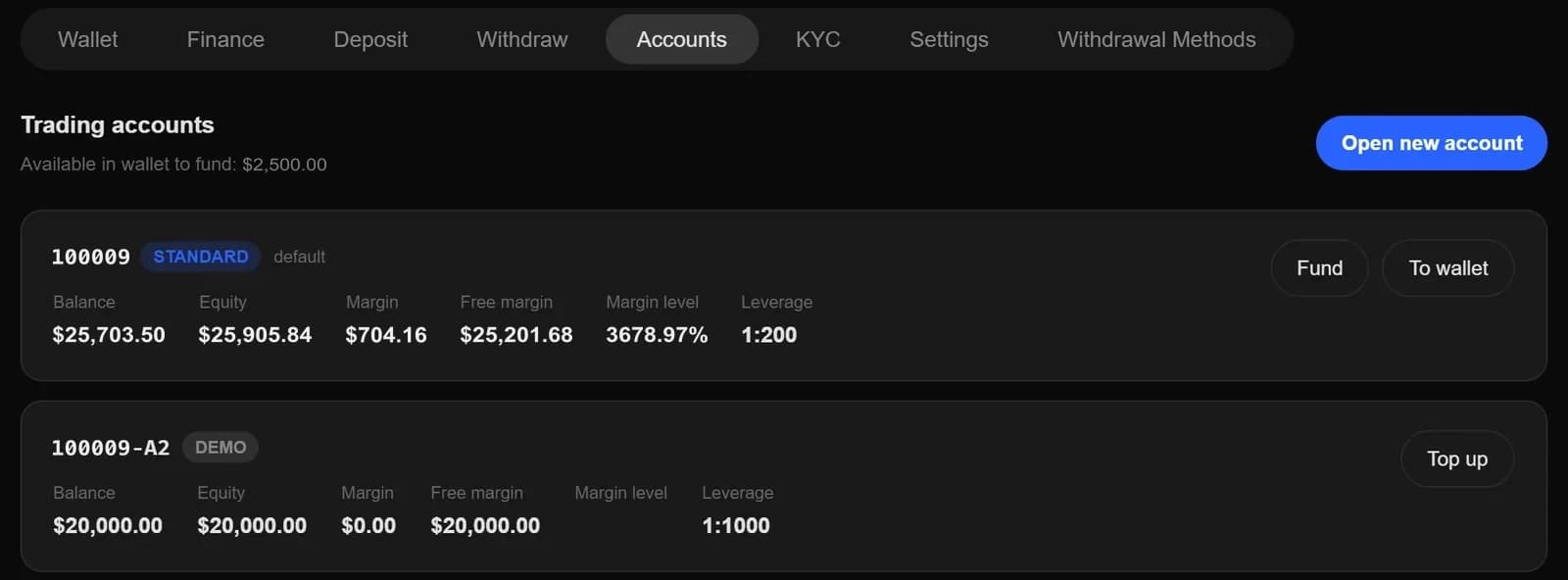
Sample data and sample clients.
Read moreShow less: Money, instant or approved
Deposits through the online checkout credit as soon as they are paid, and deposits by bank wire and other methods wait for your team to review and approve them, so money that has not cleared never appears as tradable balance. Withdrawals go through instantly or pass an approval queue with full history, as you choose.
Bonus and promotion campaigns issue non withdrawable credit that is tracked separately from real money and can be revoked, so a client's withdrawable balance is never confused with a marketing incentive.
KYC and AML in the CRM
Clients upload identity and address documents from the terminal, and your team approves or rejects each one in the client record.
KYC review
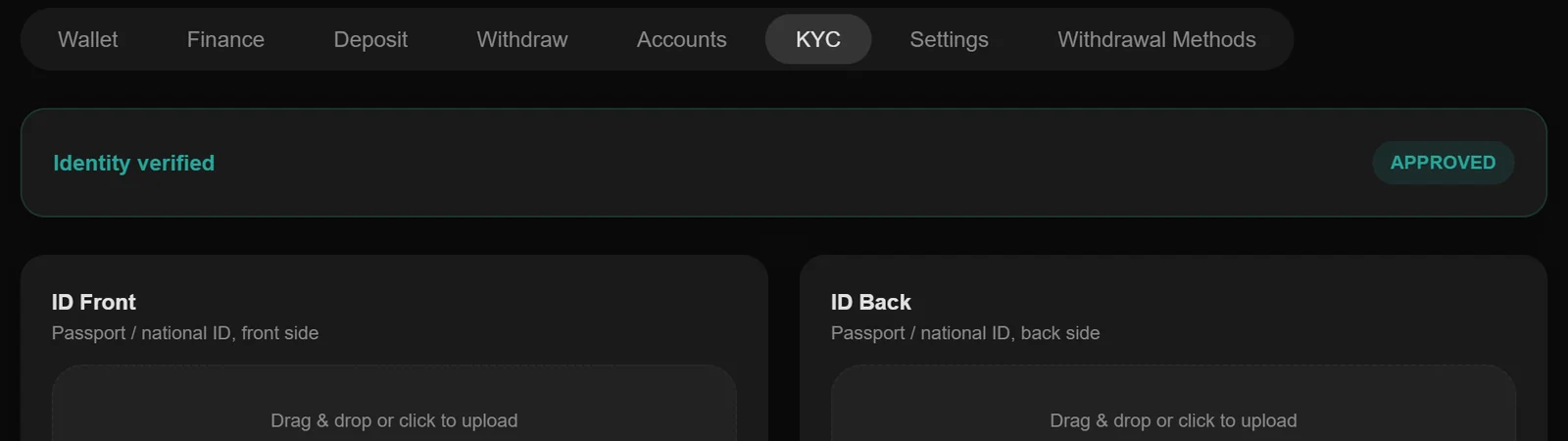
Sample data and sample clients.
Read moreShow less: KYC and AML in the CRM
Withdrawals stay blocked until a client is verified, so no money can leave to an unverified account. Admins can also upload or replace a document on a client's behalf, for papers that arrive by email.
Your know your customer (KYC) and anti money laundering (AML) policies are written with your compliance officer. What the CRM gives you is the record that you followed them: who reviewed each document and when, who approved each payment, and what changed on each account.
Control and accountability
Access is scoped by role.
Read moreShow less: Control and accountability
Retention and sales agents each see only their own book, and agent level scoping means one salesperson cannot browse another's clients. Managers and admins see wider views according to their role.
Credential handling uses an encrypted vault with role based reveal, and every sensitive action writes an activity log entry naming the actor, the target and the time. When a client asks who changed something, the answer is in the record.
Reports for the desk and the owners
Reports cover the numbers a brokerage is run on: deposits, withdrawals and net deposits, fee revenue from commissions and swaps, active clients, trades, leads and each agent's performance.
Read moreShow less: Reports for the desk and the owners
Agents see the same reports for their own book only, so a retention manager can track their own net deposits without seeing a colleague's.
Introducing brokers and partners
Partners are part of the same CRM.
Read moreShow less: Introducing brokers and partners
Each introducing broker gets referral links, every client they bring is attributed to them, and a multi-level IB module pays a commission per lot across up to five partner levels. Partners follow their own referrals and earnings in a portal inside the terminal, and see nothing else.
AI that reads your own data
The desk gets an AI briefing across the book and a per client brief that summarises the relationship before an agent picks up the phone, plus a free form assistant that answers questions about clients, accounts and pipeline from your live data.
What a forex CRM costs
Standalone forex CRMs on published price lists cost $500 to $20,000 a month, many add a setup fee, and every one of them still needs a trading platform and an integration beside it.
Read moreShow less: What a forex CRM costs
Published CRM and platform prices are collected on our cost page.
This CRM is not sold separately. It comes with the trading terminal and the mobile app on every plan, from $1,250 a month flat, with no setup fee and no revenue share.
One monthly priceFirst month free on any plan
- Starter$1,250a monthNew brokers launching their first branded desk
- Growth$2,500a monthScaling desks that want automation and a native app
- EnterpriseCustomMulti-brand groups and regulated operators
Prices as on the pricing page, and sample inputs.
Forex CRM price and a free demo
The forex CRM price here is the plan price, because the CRM, the back office, the client portal, the trading terminal and the mobile app come as one product.
Read moreShow less: Forex CRM price and a free demo
Starter is $1,250 a month for up to 1,000 active clients and Growth is $2,500 a month for up to 10,000, and Enterprise is quoted on request. There is no setup fee and no revenue share, and when you sign, your first month is free.
Compare that with the market. A standalone forex CRM costs $500 to $20,000 a month on published price lists, before the trading platform it needs and the work of connecting the two. Add those up at your client count before you compare any two quotes.
You do not have to take any of this on trust. The free forex CRM demo runs for 14 days and sends you logins for the back office and the trading terminal by email, so your team can work leads, review documents and approve deposits before you pay anything.
How to choose a forex CRM
Six questions decide whether a CRM will help your desk or slow it down.
Read moreShow less: How to choose a forex CRM
Ask each vendor to show you the answer on screen rather than describe it.
- Does it see the live trading account?
An agent should see equity, margin and open positions without opening a second system.
- Can money move instantly or by approval?
You should be able to choose, with every approval and its approver recorded.
- Can agents be kept to their own book?
Sales and retention staff should see only the clients assigned to them.
- Are partners paid from the same data?
Introducing broker commissions should be calculated from the trades, not from a spreadsheet.
- What does it cost with the platform?
Add the CRM, the platform, any setup fee and any revenue share, at your client count.
- Can you leave with your data?
Ask what you get back: leads, clients, documents, balances and trade history.
Moving from another CRM
Lead import is built in, and client migration is part of onboarding.
Read moreShow less: Moving from another CRM
If you are moving the whole brokerage, switching platforms carries your leads, clients, balances and trade history across, so agents pick up where they left off.
Common questions
Anything else? Our team answers 24/7.
What is a forex CRM?
Customer relationship software built for forex and CFD brokers. It manages leads, calls, client records, identity documents, deposits, withdrawals and partner commissions, and it reads the client's trading accounts so staff see live balances and positions.
How much does a forex CRM cost?
Standalone forex CRMs on published price lists cost $500 to $20,000 a month, often with a setup fee, and they still need a trading platform beside them. Ours comes with the trading platform included: $1,250 a month on Starter and $2,500 on Growth, with no setup fee and the first month free. A free 14-day demo comes first.
Is there a free forex CRM demo?
Yes. The free 14-day demo gives you logins for the back office and the trading terminal, so your team can try the leads pipeline, the client record, KYC review and the deposit and withdrawal approvals before you pay anything.
What is the difference between a forex CRM and a back office?
The CRM is where sales and retention work leads and clients. The back office is where operations approve money, review documents, pay partners and report. Here both are one system over one database.
Can this CRM connect to a trading platform we already run?
The CRM ships as one product with its trading terminal, and that pairing is what makes the live account data possible. Integrations with an existing platform are handled case by case on the Enterprise plan.
Can we import our existing leads and clients?
Yes. Lead import is built in, and client migration is part of onboarding.
Can an agent see clients that are not theirs?
No. Sales and retention agents are scoped to their own assigned book. Managers and admins see wider views according to their role.
Is there an audit trail?
Yes. Sensitive staff actions are written to an activity log with actor, target and timestamp, and client facing edits keep a record of what changed.
Put your desk on one system
Book a demo and we will show you the pipeline, the client record and the approval queues with your own workflow in mind.